



Amazon KDP Publishing: What Authors Should Prepare Before Launch
Amazon KDP Publishing in Plain English
If you've been sitting on a manuscript - or even just an idea for your first book - Amazon KDP publishing is the fastest, most accessible way to get your own book in front of readers worldwide. Kindle Direct Publishing is Amazon's self publishing platform where authors upload a manuscript and cover, fill in their book details, and let Amazon handle the rest: selling kindle ebooks, paperbacks, and hardcovers across dozens of global storefronts. Amazon KDP allows authors to publish books for free, and authors retain ownership of their content when using KDP.
KDP is built for self publishing authors, aspiring authors, and anyone who wants to be independently published without waiting years for a traditional deal. You keep your rights, keep access to your content and earnings, set your own price, choose your categories, and earn royalties on every sale. Authors can earn up to 70% royalties on ebooks through KDP - a figure that dwarfs the 5–15% royalties traditional publishing typically offers on print books.
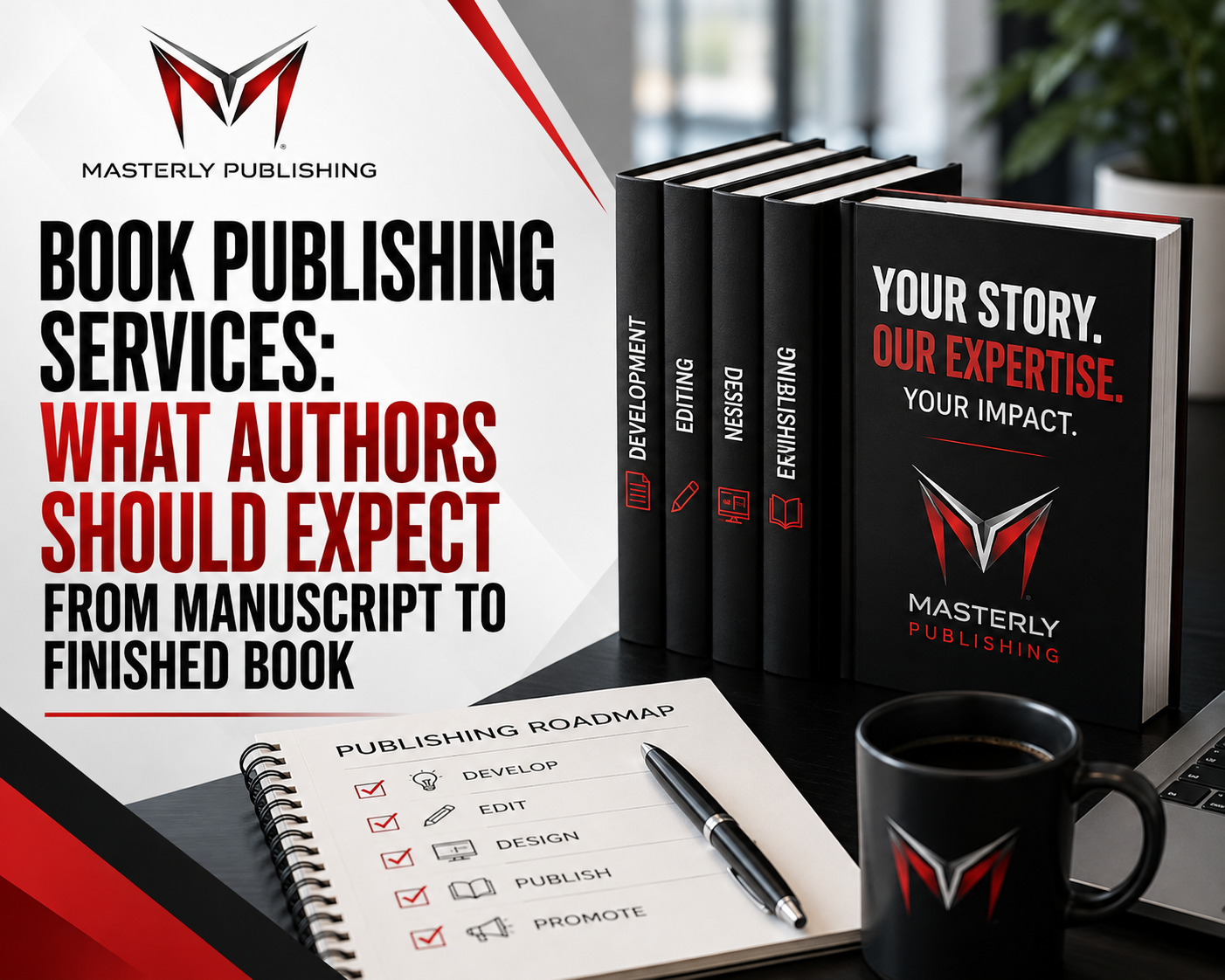
This article walks through the full publishing process from idea to live book listing, covering formatting, pricing, the kdp select program, marketing, and the common pitfalls that trip up many authors before their published book ever reaches a reader.
How Amazon KDP Works at a Glance
The core workflow is straightforward: create an account, prepare your book files, upload them to your KDP bookshelf, configure pricing and territories, hit publish, and Amazon handles printing, delivery, and global sales. You get paid royalties monthly.
Here are the main building blocks:
- Account setup - author or publisher name, tax info, banking details, Author Central profile
- Book formats - KDP supports publishing in ebook, paperback, and hardcover formats
- Metadata - titles, subtitles, description, categories, keywords, series info
- Pricing and royalties - authors can choose between 35% or 70% royalty rates for ebooks depending on pricing and territory; print books earn 40–60% minus printing cost
- File upload and formatting - interior content (DOCX, EPUB, or PDF) and cover design
- Territories and distribution - choose where your book is sold globally
- Reporting - sales, returns, pages read, royalty statements
KDP is free to use. There are no account fees, no upload fees, and no listing fees. KDP uses print-on-demand for paperback and hardcover books, so there's no inventory to buy upfront. The platform operates in most countries - US, UK, Germany, India, Canada, Australia, and many more - and KDP allows authors to publish books in over 45 languages.
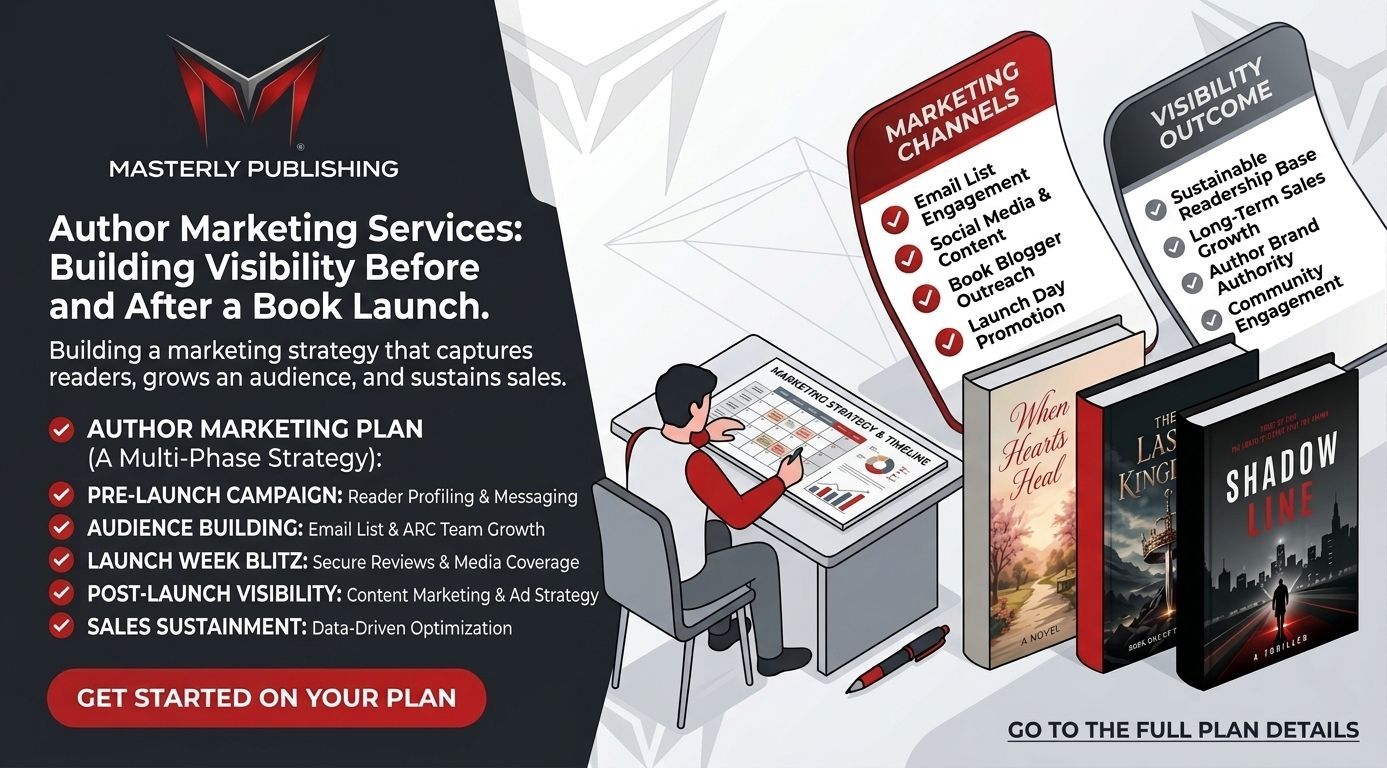
One critical point: Amazon does not handle marketing or discoverability for you. KDP requires authors to manage their own marketing and promotion. Metadata helps, but reaching readers at scale requires effort beyond uploading.
Step 1 – Decide What You'll Publish on KDP
Before you open the KDP dashboard, spend time choosing the right book idea. Many authors rush from concept to draft without checking whether anyone actually wants what they're writing. A little research now saves months of frustration later.
Common KDP book types include:
- Fiction - romance, fantasy, thrillers, mystery, science fiction, and genre blends
- Nonfiction - how-to guides, self-help, business strategy, memoirs, specialized manuals
- Low-content and no-content books - journals, planners, coloring books, logbooks, recipe notebooks
To gauge demand, search your topic on Amazon. Scan the Best Sellers Rank of the top 10–20 competing titles. Note their prices, cover styles, review counts, and how often new books appear. If a category is flooded with similar titles, niche down. Instead of a general cooking book, try "plant-based keto 30-day meal plan." Instead of broad travel advice, try "budget travel for remote workers in Southeast Asia." The more specific the reader problem or desire you solve, the easier it is to stand out in crowded KDP categories.
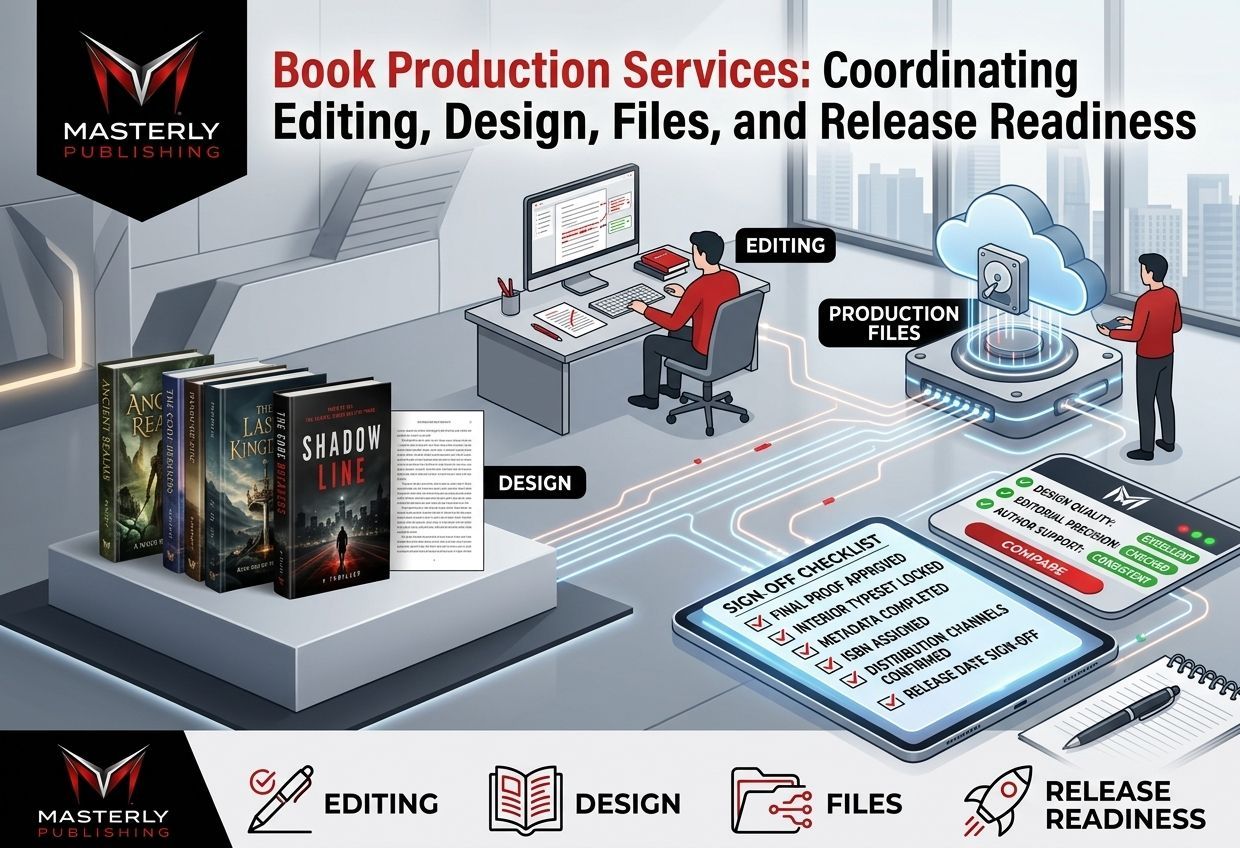
Step 2 – Write and Edit a Manuscript Ready for KDP
KDP does not edit your book. You must deliver a complete, proofread manuscript before you upload a single file. The platform is a publishing tool, not an editorial service.
- Rough length ranges: 25–60 pages for simple workbooks or low-content interiors; 40,000–80,000 words for most novels; 20,000–40,000 words for short nonfiction guides
- Editing passes: Start with self-editing, then run the manuscript through tools like Grammarly or ProWritingAid, then - especially for your first book - hire a freelance editor or proofreader
- Formatting guidelines are essential for manuscript preparation before publishing on KDP. Clean up inconsistent spacing, check chapter headings, and finalize all content before moving to the formatting stage
Professionalism beats perfection here. A finished, clean manuscript that ships will always outperform an endlessly tweaked draft that never gets published. Most authors who succeed on KDP treat writing as a process with a deadline, not an open-ended project.
Step 3 – Format Your Book for Kindle and Print
Ebook and print each have different formatting requirements inside KDP. Getting this wrong leads to rejected files, ugly layouts, or - worse - bad reviews from readers who paid money for a poorly formatted digital book or printed copy.
Formatting for Kindle eBooks
- Amazon KDP accepts DOCX and EPUB files for reflowable kindle ebooks; the layout must adapt to different screen sizes and font preferences
- Include a clickable Table of Contents linked to each chapter; use consistent heading styles (Heading 1 for chapters, Heading 2 for sub-sections); insert page breaks at every chapter end
- Images should be compressed but high enough resolution to look clean on small screens; avoid tiny fonts, multi-column layouts, or fixed-width tables
- KDP provides free tools for authors to format their manuscripts and design covers - Kindle Create is Amazon's own option, and dedicated apps like Vellum or Atticus export clean Kindle files for those who want more control
Formatting for Paperbacks and Hardcovers
- Print interiors must be uploaded as print-ready PDFs with a fixed trim size (common sizes: 5"×8", 6"×9")
- Key technical details: margins for bleed (if images extend to the edge), gutter allowance for binding, page count minimums (typically 24 pages minimum for paperbacks, around 75 for hardcovers), plus headers, footers, and page numbers
- Use KDP's print previewer extensively - check for widows, orphans, image cut-offs, and alignment issues before you approve the proof
- Low-content books (journals, notebooks, planners) still need clean interior formatting: evenly spaced lines, consistent prompts, and a well-designed interior PDF that fits the trim size and paper type you've selected
Step 4 – Design a Cover That Fits KDP Requirements
Your book cover is the single biggest factor in whether someone clicks on your book in Amazon search results. Professional cover design can significantly impact book sales and reader interest - and at thumbnail size, readability matters more than artistic complexity.
Ebooks require a single front cover image (JPG or TIFF). Print books - paperbacks and hardcovers - require a full-wrap cover PDF that includes front, spine, and back, with spine width calculated from your final page count and paper type. KDP provides downloadable cover templates based on your book's specifications.
Elements of a strong KDP cover:
- Genre-appropriate design that signals to readers exactly what kind of book this is
- Readable title and subtitle even at thumbnail size - if your title disappears when the image is 100 pixels wide, redesign it
- Clear author name and professional typography
- High-resolution images meeting Amazon's DPI requirements, with strong background contrast
For printing options on cover design, you can DIY with tools like Canva, or hire a professional designer familiar with KDP cover templates and spine/back cover layout. KDP offers a basic Cover Creator, but use it only for very simple projects or testing ideas - not for a book you plan to seriously promote and sell.
Step 5 – Create Your Amazon KDP Account
You need an Amazon account plus KDP-specific setup to receive royalties legally and start listing books.
- Go to kdp.amazon.com, sign in (or create an Amazon account), and accept the KDP Terms of Service
- Enter your author or publisher name - this is the public name that appears on your books and your Amazon author page; it can be your real name or a pen name
- Provide tax information (W-9 for US residents, W-8 for international authors, or equivalent forms for your country)
- Add a bank account for royalty payments - KDP pays royalties approximately 60 days after sales, meaning money earned in January arrives around the end of March; payment methods differ by country
Choose your public author name carefully. It should be consistent across your cover, your metadata, and your Author Central profile. If you plan to publish multiple books in different genres, consider whether a pen name makes strategic sense.
Step 6 – Set Up Your Book on the KDP Bookshelf
This is where you enter everything readers will see on your Amazon product page - your book's metadata, files, and rights information.
Book Details (Metadata)
- Title and subtitle: Choose a clear, keyword-rich title that tells readers exactly what they're getting. Subtitles are especially useful in nonfiction - "Freelance Writing for Beginners: A Step-by-Step System to Land Your First Client in 30 Days" beats "My Writing Guide"
- Description: A compelling book description significantly influences purchase decisions. Open with a strong hook, use short paragraphs and bullet points to highlight benefits, and include relevant search phrases naturally - but never write a sales pitch disguised as a summary
- Categories and keywords: KDP authors can select relevant search terms and categories to improve discoverability. Choose 2 main categories initially, and fill all 7 backend keyword slots with terms readers might search - use phrases not already in your title
- Language and territory: Select the correct language for your manuscript and decide on territory rights (worldwide or specific markets) based on your intended readers
Content Upload and Rights
- Confirm that you own the publishing rights to all content - text, images, translations. Public domain works have special rules; AI-generated content must be disclosed per KDP's content guidelines
- Upload your interior file and cover file, then use KDP's previewer to catch formatting issues, layout problems, and image misalignment
- Double-check title spelling, series information, and author name for consistency with your cover and manuscript - inconsistencies can confuse readers and trigger review delays
Step 7 – Price, Royalties, and Territories
Pricing and royalty selection directly affect your earnings and how Amazon surfaces your book. Authors can set their own prices for books published on KDP, but the price you choose determines your royalty rate.
Ebook royalty options:
- 70% royalty: KDP offers a 70% royalty rate for ebooks priced between $2.99 and $12.99 (on Amazon.com). As of July 7, 2026, Amazon raised the maximum list price for the 70% band from $9.99 to $12.99 - the first increase since 2007. The 70% rate applies in 41 eligible territories, minus VAT and a small delivery cost based on file size
- 35% royalty: For ebooks priced outside the 70% band, public domain works, or sales in territories where the 70% option isn't available
Print book royalties:
Authors receive 40–60% royalties on print books, minus printing cost per copy. However, as of June 10, 2025, Amazon lowered the royalty rate to 50% for print books priced below certain thresholds (e.g., under $9.99 USD in the US). If your paperback or hardcover is priced at or above the threshold, you keep the standard 60% rate. Printing cost depends on trim size, page count, ink type, and paper type.
Territories: Choose "all territories" for maximum global reach, or restrict to specific countries if your rights are limited. For several large markets - Brazil, India, Japan, Mexico - the 70% ebook royalty requires KDP Select enrollment; without it, sales to customers in those markets earn 35%.
To price competitively, look at the top 10–20 books in your category and match reader expectations for that genre and format.
Step 8 – KDP Select and Kindle Unlimited: Should You Go Exclusive?
KDP Select is a 90-day exclusive program for ebooks only. When you enroll, your ebook enters Kindle Unlimited and the Kindle Owners' Lending Library, giving readers access through those programs, while KDP Select pays authors based on pages read rather than per-sale royalties. KDP's monthly fund for page reads was $28.5 million in 2019, distributed among all enrolled authors based on total pages read.
Main advantages:
- Extra visibility through Amazon's recommendation algorithms
- KDP Select offers free promotional opportunities for enrolled ebooks, including Kindle Countdown Deals and limited-time Free Book Promotions
- Income from KU pages read, which can be significant for series authors with strong read-through
- In markets like Brazil, India, Japan, and Mexico, enrollment is required to qualify for the 70% ebook royalty rate
Main trade-offs:
- Exclusivity means you cannot sell or distribute the ebook anywhere else - no Apple Books, no Kobo, no Google Play, no direct sales from your own website - for the entire 90-day term
- KU income fluctuates monthly as the fund size and number of competing authors change; recent analysis suggests that with KENP rates under pressure in 2026, some earlier conclusions favoring exclusivity are less clear
- Authors who want a wider audience across multiple platforms may find the restriction limiting
When exclusivity makes sense: First launch in a US/UK-heavy market, series in KU-friendly genres (romance, fantasy, sci-fi), or authors with limited reach outside Amazon. When wide distribution may be better: Niche international audiences, established reader bases on other platforms, or authors uncomfortable relying solely on Amazon's policies.
Step 9 – Hit Publish and What Happens Next
After you click "Publish," Amazon reviews your ebook or print book. KDP books can appear on Amazon stores within 72 hours, though review times are sometimes faster. Amazon checks for content guideline compliance, file integrity, formatting issues, and metadata accuracy. If your files violate policy - copyright issues, undisclosed AI content, misleading claims, low-resolution images - Amazon may reject your submission or later remove the book.
Once approved, your book goes live with its own Amazon product page. For print versions, there may be a short delay before the cover, spine, and back are fully linked, or before the paperback and ebook editions appear together on one page.
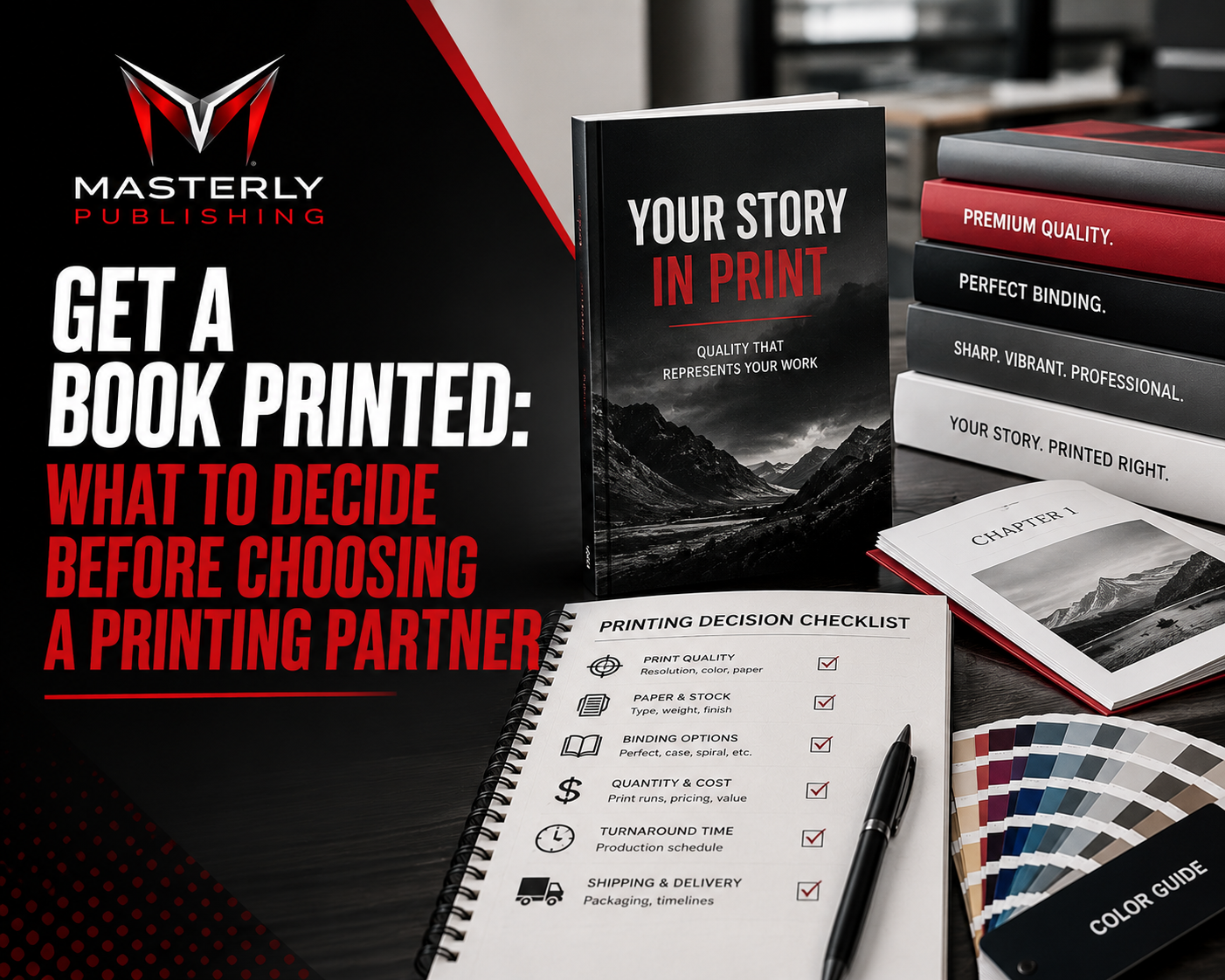
Before launching any major promotion, order an author copy of your printed copy - paperback or hardcover - to inspect print quality, cover colors, binding, and paper type in person. What looks perfect on screen doesn't always translate perfectly to a physical copy.
Marketing Your Amazon KDP Book
Publishing is only half the job. EBooks can be published instantly through KDP, but that doesn't mean anyone will find them. Amazon held an 83% market share of ebooks in 2019 - the audience is enormous, but so is the competition. Optimizing your book page can improve visibility and sales, yet most authors who sell books consistently do active promotion beyond just uploading.
Launch tactics:
- Notify your email list, social media following, and personal network on launch day
- Offer a short discounted launch window or use KDP Select's promotional tools (Countdown Deals, Free Book days) to spike early downloads
- Ask early readers to leave honest reviews - reviews are social proof that directly affects conversion rates
Ongoing strategies:
- Run amazon ads (Sponsored Products, Lockscreen ads) to drive targeted traffic to your book page
- Optimize keywords and categories over time - test, adjust, and monitor what drives impressions and sales
- Build out your Author Central profile with a bio, photos, and links to all your titles
- Use external channels: social media, content marketing, podcast interviews, collaborations with other authors, and regular post updates to build an audience beyond Amazon
- Track results in the KDP sales dashboard and adjust pricing, cover, or description based on what actually converts
Note that Amazon does not share buyer email addresses with KDP authors, so building your own reader list through a website or newsletter signup is essential for long-term marketing independence.
Momentum strategies: If you plan to publish multiple books, a series strategy creates read-through momentum - especially in Kindle Unlimited, where pages read compound across titles. Revisiting older titles with updated covers, refreshed descriptions, or price adjustments can revive sales on a backlist.
The Pros and Cons of Amazon KDP Publishing
Before going all-in on KDP publishing, understand both the upside and the real risks.
Pros:
- Global reach - Amazon's massive audience across dozens of marketplaces puts your book in front of readers around the world
- High ebook royalties - KDP authors earn up to 70% royalties on ebooks, compared to the 5–15% traditional publishing typically offers on print books
- Free print-on-demand - KDP offers print-on-demand services, reducing upfront costs to zero for inventory
- Speed - KDP allows instant publishing without traditional gatekeepers; you can go from manuscript to live product page in days
- Full creative control - rights, cover, content, pricing, and distribution are all in your hands
Cons:
- Dependence on Amazon's algorithms - visibility depends heavily on metadata, sales velocity, reviews, and Amazon's ever-changing recommendation system
- Self-funded quality - authors must invest in editing, cover design, and ads; costs add up, especially across multiple books
- Print royalty reductions - for print books priced below certain thresholds (e.g., under $9.99 USD), royalties dropped from 60% to 50% as of June 2025, which particularly impacts low-content books with slim margins
- Policy risk - plagiarism, AI content misuse, or misleading metadata can lead to book removal or account termination
- KDP Select exclusivity - locking into Amazon limits revenue from other platforms and creates volatility tied to one company's policy changes
Compared to traditional publishing, KDP trades editorial support and upfront advances for higher per-copy income and total creative autonomy. Traditional publishing may offer stronger bookstore distribution and marketing backing, but the timeline is far longer and you give up significant control over your publication.
Common Pitfalls and How to Avoid Them on KDP
Many KDP beginners stumble on the same avoidable mistakes. Knowing what goes wrong saves you time, money, and potential account problems.
- Poor cover and weak description - these are your storefront; if the cover looks amateurish or the description reads like a flat summary, click-through rates collapse
- Publishing unedited drafts - rushing to launch with typos and formatting errors leads to bad reviews, which are nearly impossible to undo
- Wrong categories and keyword stuffing - choosing categories that are too broad (massive competition) or stuffing backend keywords with irrelevant terms can hurt rather than help discoverability
- Underpricing or overpricing - price too low and your margins vanish, especially given the 2025 print royalty changes; price too high and you lose sales to better-positioned competitors
- Ignoring content guidelines - especially around public domain content, AI-generated material without disclosure, and misleading health or finance claims. Serious violations can result in book takedowns, permanent account suspension, or loss of access to your account, earnings, or live titles
- Not accounting for printing cost thresholds - if your paperback is priced below $9.99 USD, your royalty rate is 50%, not 60%; failing to factor this in can make a book unprofitable
Read Amazon's KDP Content Guidelines and Terms of Service in full before uploading your first title. The advice is simple: do it before you need to.
Who Amazon KDP Publishing Is Best For (and Who Should Think Twice)
KDP is a business tool. It works best for people who treat books as products built for real readers in real markets.
Ideal users:
- Indie fiction authors writing in popular genres (romance, thriller, fantasy, sci-fi) who plan to publish multiple books and build series momentum
- Nonfiction experts solving specific problems - the writer who knows their subject deeply and can deliver clear, actionable value
- Entrepreneurs using books as authority-building tools alongside a broader business
- Creators scaling low-content brands (journals, planners, logbooks) who understand design and niche targeting
Who may struggle:
- Anyone expecting passive income with zero effort - KDP rewards consistent effort in writing, marketing, and iteration
- Authors unwilling to invest in quality editing and professional cover design
- People uncomfortable with Amazon's dominance over their distribution and income
- Writers in niches that perform better outside Amazon or in languages and markets underrepresented on the platform
Alternatives exist. Traditional publishing and small presses offer editorial support and bookstore distribution but lower royalties and longer timelines. Direct selling through your own website offers higher margins but far less reach and infrastructure. Most self publishers who succeed long-term eventually develop a strategy that fits their genre, audience, and tolerance for risk.

Frequently Asked Questions About Amazon KDP Publishing
These are the questions that most often delay aspiring authors from starting. Here are direct answers.
Is Amazon KDP really free to use?
Yes. KDP charges no fees for account setup, uploads, or listing. Amazon KDP allows authors to publish books for free. The costs are external - editing, cover design, formatting tools, and advertising. For print books, there's no inventory to purchase since KDP uses print-on-demand; however, a printing cost is deducted from each sale based on page count, ink type, trim size, and paper type. Keep in mind that print books priced below certain thresholds (e.g., under $9.99 USD) now earn a 50% royalty rate instead of 60%, so factor that into your pricing math.
How much money can you make with KDP publishing?
Income ranges from a few dollars a month on one book to six-figure annual earnings for prolific, strategic self publishers. There is no guaranteed amount. Earnings depend on your niche, the quality of your book, how many titles you publish, your pricing, and how actively you market. Most authors see modest returns on their first book and grow income by publishing multiple books, building series, and investing in amazon ads and reader outreach. Treat it as a business that scales with effort and learning, not a lottery ticket.
Do you need an ISBN for KDP?
Kindle ebooks do not require an ISBN - Amazon assigns an ASIN instead. For print books, KDP offers a free ISBN for eligible paperbacks and hardcovers. If you want to publish under your own imprint name (rather than having KDP listed as the publisher of record), you can purchase and use your own ISBN. Using KDP's free ISBN is perfectly fine for most self publishing authors who sell primarily through Amazon.
Can you publish on KDP if you live outside the US?
Yes. KDP is available internationally. Authors must provide valid tax documents appropriate to their country and set up approved banking or payment details. Royalties are sent via direct deposit or wire transfer where supported, though payment thresholds and methods vary by country. Some features - like Expanded Distribution for print - are limited in certain countries (e.g., Brazil, India, Mexico do not support Expanded Distribution for print books).
Can you remove or unpublish a book from Amazon KDP later?
Yes. You can unpublish a book at any time, which removes it from sale on Amazon. However, you may lose public access to the book while Amazon still retains your files in your account for policy and compliance purposes. If you later republish the same title, reviews and sales history may or may not carry over - in many cases, reviews are lost, especially if the ASIN changes. Unpublishing is not the same as deleting; your content remains on file even after it's no longer available to readers.
Publishing Services Consultation
Call (888) 209-4055 to schedule a publishing services consultation and take the next step toward bringing your book or publication to market. Our team can help authors, professionals, and organizations navigate the publishing process, including manuscript preparation, editing, formatting, cover design, and distribution planning. Whether you're preparing your first book or expanding your publishing portfolio, we can help you develop a professional publishing strategy aligned with your goals. Turn your manuscript into a professionally published work. Call (888) 209-4055 today to discuss your publishing needs and schedule your consultation.